|
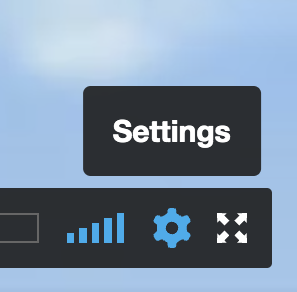
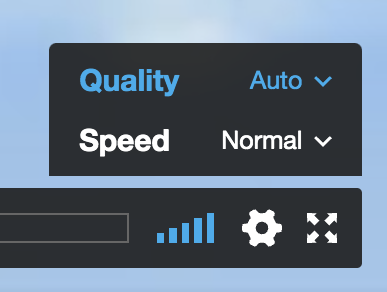
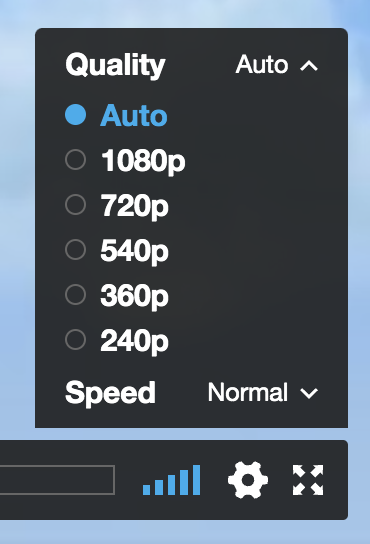
VIEWING GUIDE To view the training, there are two options: best quality (1080p) and good quality (720p). Start on the 1080p setting for best quality. If you have problems, then try 720p for good quality, and go lower only if needed. Here’s how to adjust your settings. After entering the password in the box below, click on "Watch Video," The Part I screen will appear, but before you press ▶ to play, go to the lower right corner of the screen, and follow Steps 1, 2, and 3 shown in the examples below:
We Are One Training – Part III
© 2022 Oscar Ichazo. All rights reserved. |